
Uninterruptible Power Supply systems address problems with power.
Power problems are categorised into three sections and UPS systems are designed to address these different levels.
1.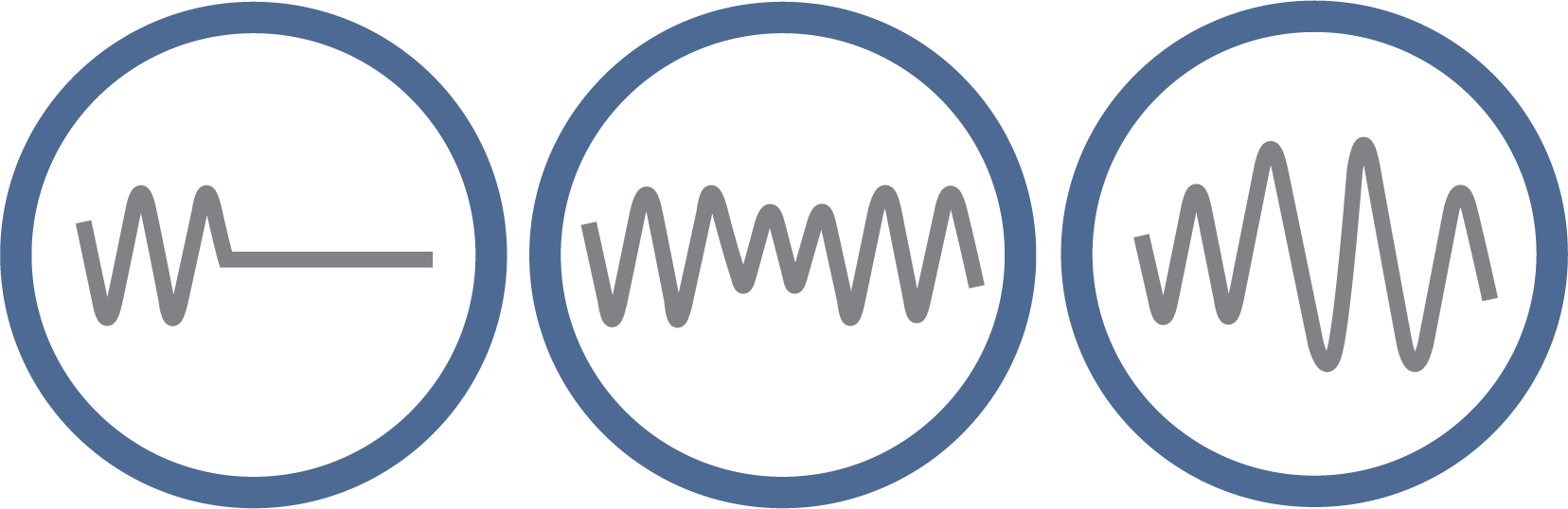
Power Failure refers to a complete mains power outage. This may be a result of damaged power lines, natural disasters, lightening strikes, grid overloads or car accidents.
Power Sags refer to short term low voltage which may be a result of large loads starting up, utility switching or equipment failure.
Power Surges refer to short term high voltage which can occur from a rapid reduction in loads and utility switching.
2.
Brownouts are extended periods of reduced voltage. This can occur from heavy loads exceeding utility grid capacity and conservation of energy during peak demand periods.
Spikes are an instant increase in voltage that can be in excess of 5000 volts. This is a result of lightening strikes sending voltage spikes down the power line.
3.
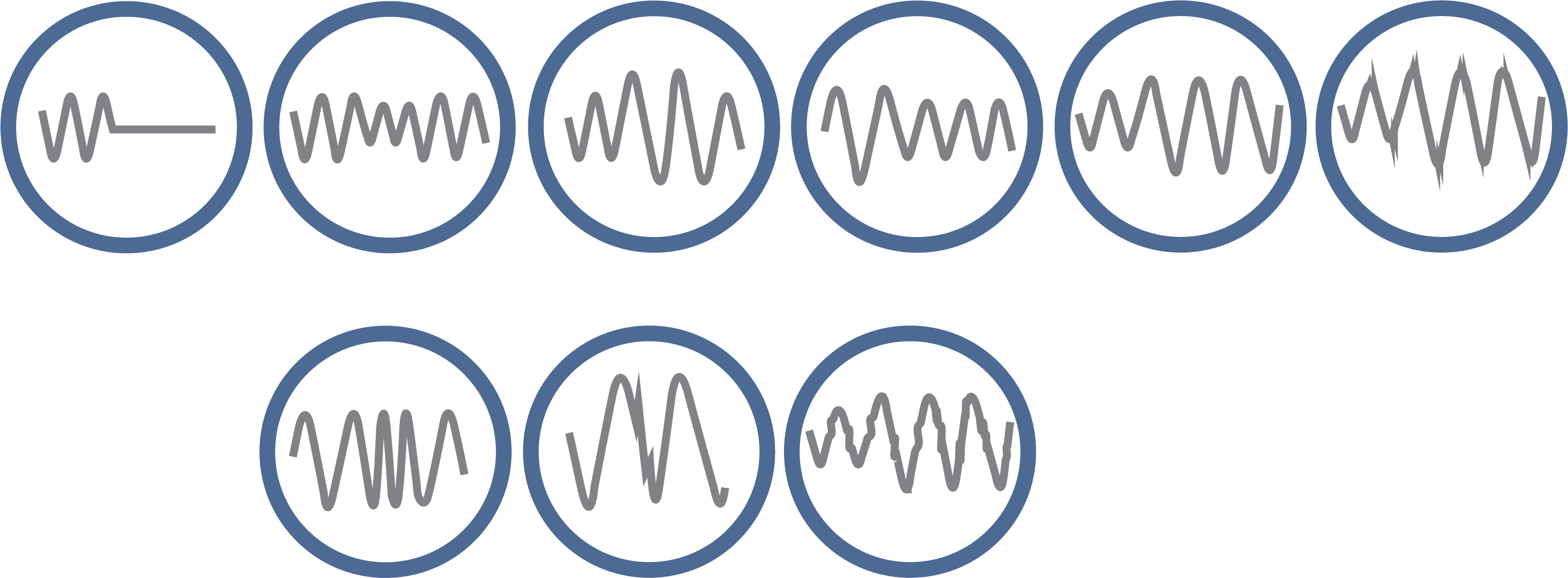
Line Noise is Radio Frequency Interference (RFI) and Electronic Magnetic Interference (EMI). This can be interference caused by transmitters, heavy machinery and large office machines.
Frequency Drift is an intermittent change in frequency. This occurs when nearby generators are loaded and unloaded.
Switching Transients are a quick high voltage increase that is shorter than a spike and result from indirect lightening strikes and utility switching.
Harmonic Distortions are Pure Sign Wave deviation. They occur from transmissions from large machinery, computer and office equipment.
1. Standby Power

Standby Power Systems have batteries that provide power only when AC power is lost and do not provide constant power.
2. Line Interactive
Line-Interactive UPS Systems use Automatic Voltage Regulation (AVR) to correct abnormal voltages, without switching to battery. This means less drain on your backup power that can shorten the length of battery life. The UPS uses transformers to increase or decrease voltage and return it to an optimum range when the voltage reaches a preset low or high value.
3. True Online Double Conversion

True Online Double Conversion (TODC) UPS Systems are a finely tuned method of voltage regulation. By continuously converting power from incoming AC to DC, then the DC to an ideal AC output, this double-conversion isolates equipment from all problems on the incoming line. TODC provides power with zero transfer time to the battery, making it ideal for sensitive equipment.
Our Commander Rack Mount UPSs and Centurion Range UPSs allow the increase of backup times by simply adding Battery Modules.
This all depends on the load of your system and also the environment that your equipment will be running in.
You can compute your load by adding together all of the amps of the equipment intended to be backed up and multiple that number by 220. This will get a proper Voltage Amp or VA rating. The UPS rating must then exceed the VA total.
Alternatively, you can add the watts of all equipment intended to be backed up and divide it by 0.7 to get a true VA rating. Again the UPS VA rating must be greater than the comprised VA rating.
PowerShield offer an Online UPS Calculator can help you determine which UPS solution best fits your application. You can enter your VA or Watts if you know it, or select equipment in the calculator.
PowerShield UPS Sizing Guide
Why does the battery indicator continue flashing on the LCD panel when the batteries fully charged?
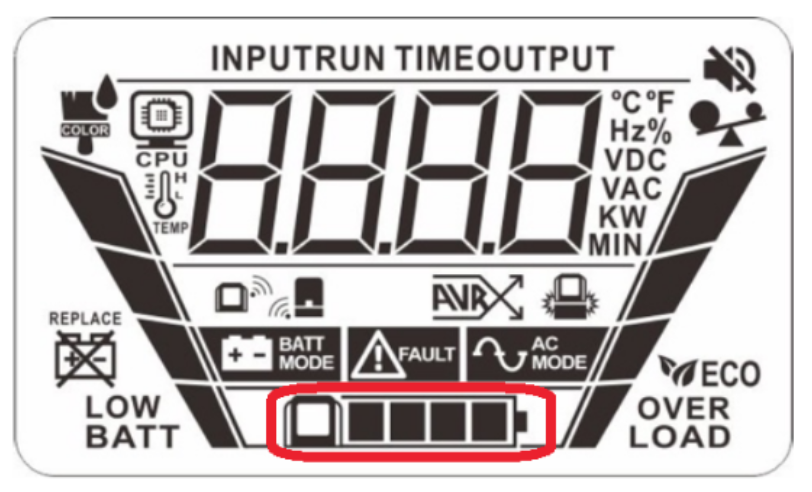
This is the LCD panel battery indicator (NiMH) and the flashing square indicates continuous charging.
ANSWER:
When the LCD remote panel display is installed on the base unit of the Gladiator, it will automatically charge the LCD panel batteries.
The LCD panel batteries are charging continuously when the LCD remote panel is mounted on the Base unit of the Gladiator UPS, so the fully charged icon (the last square) for the battery will flash on and off continuously.
This is the normal operation of the indicator showing the batteries are being continuously charged.
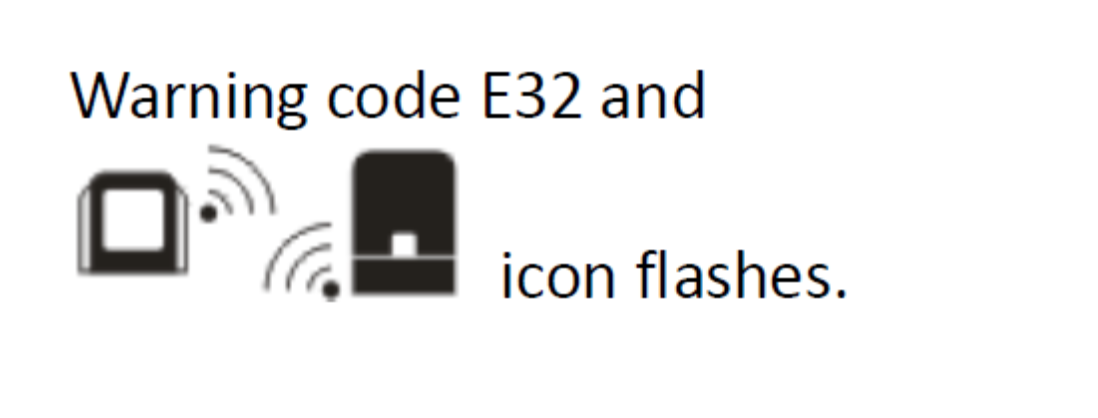
Warning Code E32 – This error occurs in the process of pairing the remote panel LCD with the docking station of the Gladiator UPS.
Solution: Place remote panel on the docking station and Press “ON/OFF” button 5 times in one second intervals to reset the pairing.